What should be different after the event?
Is the goal to understand a new product? Do you want to engage existing customers more closely or initiate new conversations? What needs to be recorded depends on this. An emotional recap can convey atmosphere. However, it doesn't automatically answer the technical questions that potential customers have before making an inquiry.
Therefore, formulate a sentence: “After the event, our target audience should understand that… and next…” Specify who this sentence applies to. Existing customers may need different content than people who are seeing your company for the first time. The foundation for this is a Social Media Strategy.
Three editions, different requirements
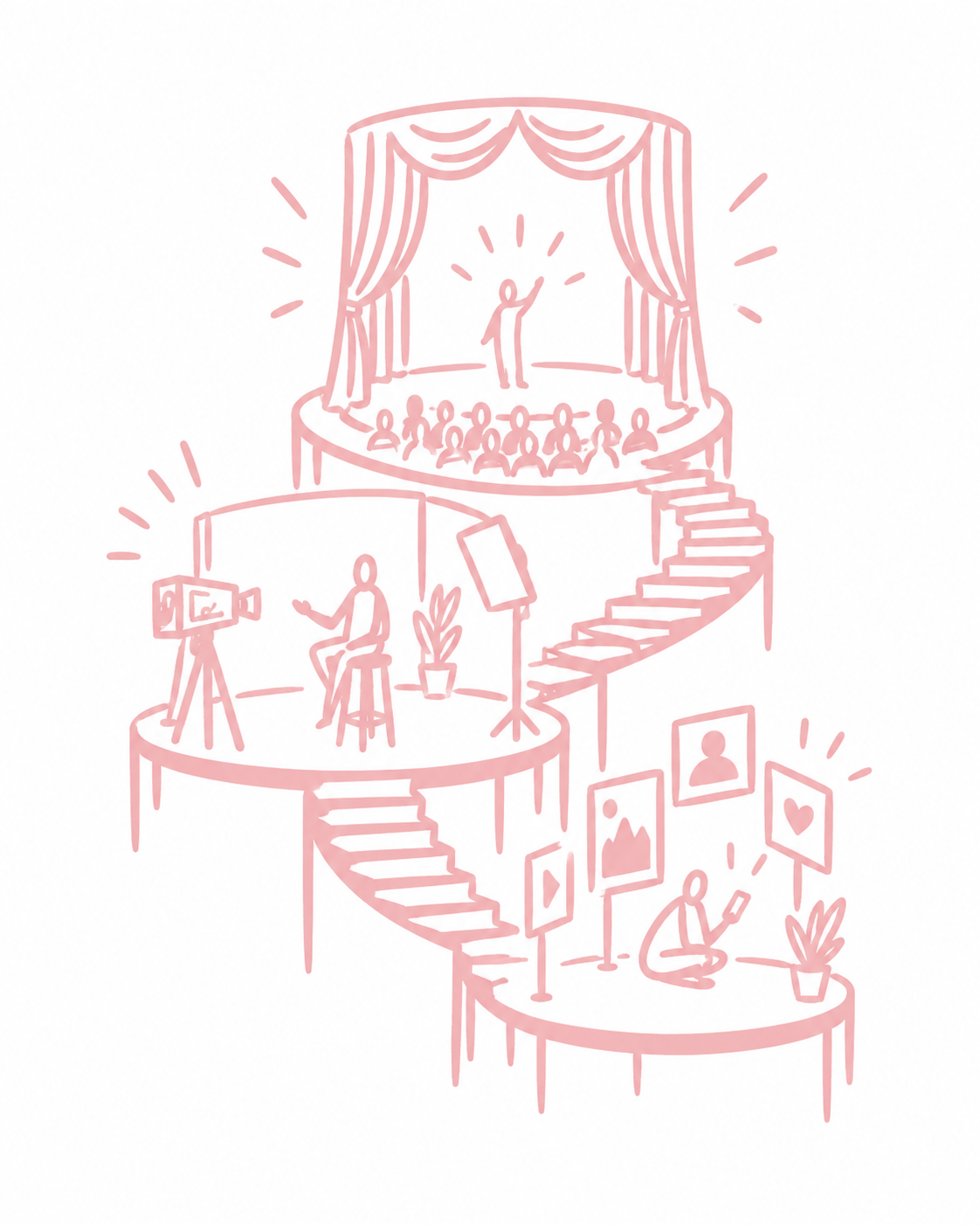
| Output | Main Task | Plan in Advance |
|---|---|---|
| Livestream | Clearly Transmit the Event Live | Direction, Reliable Sound, Connection, Moderation for Online Audience |
| Recording | Make Content Available Later in a Traceable Way Make | Clean audio tracks, presentations, chapters, and editing |
| Social clips | Making individual relevant thoughts understandable | Short answers, additional close-ups, appropriate image cropping |
A camera at the back of the hall can document the stage. However, this perspective alone is often insufficient for a lively, vertical interview with clear audio. Plan short interview slots and a suitable location, instead of hastily intercepting people between program segments.
Moderation is also crucial: Online viewers cannot see where someone is pointing in the room. Questions from the audience should be repeated audibly. Slides must be legible in the stream. Such details belong in the program notes, not in the post-event debriefing.
This is what your production workflow could look like
The following structure is a planning example, not a fixed personnel or time schedule. The scope and personnel depend on the stage, program, venue, and desired outcome.
- In advance: Define target groups, budget, platform, contact persons, and approvals.
- At the technical meeting: Check audio handover, power, internet, camera positions, and access routes.
- At the rehearsal: Test speakers, presentations, playback devices, and transitions together.
- During the event: Monitor the stream, record locally, and note relevant moments with timestamps.
- After the event: Save the recording, select clips, review content, and coordinate publication.
One person should maintain the editorial overview. Someone who only operates the camera cannot simultaneously evaluate all content, coordinate all approvals, and manage the stream's comments. Roles can be combined, but not performed indefinitely simultaneously.
What happens if something fails?
Discuss specifically: What do viewers see during an interruption? Who decides on switching connections? Is there a local recording? How will you communicate if a program segment is canceled? A backup device is of little use if no one knows when and how it should be used.
When troubleshooting, YouTube differentiates between factors such as the source, encoder, and outgoing internet connection. This is a helpful structure for your technical rehearsal: YouTube help for livestream problemsA successful rehearsal reduces uncertainty, but doesn't guarantee a trouble-free event day.
Also, think about accessibility early on. Subtitles, transcripts, and, if necessary, descriptions of visual content require responsibilities and resources. The W3C Web Accessibility Initiative's planning guide differentiates between live broadcasts and pre-produced media for this purpose.
Clarify usability before filming
Clarify with the responsible parties which speakers, presentations, music tracks, and identifiable guests may appear in which editions. Publishing a complete recording and using individual statements in advertising are different uses. Therefore, document the intended channels and edits precisely and have any outstanding rights issues checked.
A separate set of questions is worthwhile for social media clips: What was the most important takeaway? Which common mistake would you avoid? What can someone try tomorrow? This will generate independent answers instead of snippets that remain incomprehensible without the entire presentation.
How do you know if the effort was worthwhile?
Evaluate each edition according to its purpose. For streams, for example, technical stability, audience engagement, and answered questions are important. For short clips, the topics addressed and subsequent relevant actions are crucial. A call to action alone does not guarantee a new customer.
Links published content to a suitable next step: watching the recording, asking a specific question, or requesting a consultation. Our guide to content repurposing shows which excerpts are suitable for this. Content Repurposing.
Are you planning an event and want to think about live streaming, video, and subsequent content together? In the Implementation , we clarify the production scope and the interfaces with the organizer, venue, and technology. For an initial exchange, the date, location, program, and desired outputs will help.